
Register Your Aurawatt.
Power with Confidence.
Activate your comprehensive warranty and keep your power protected.
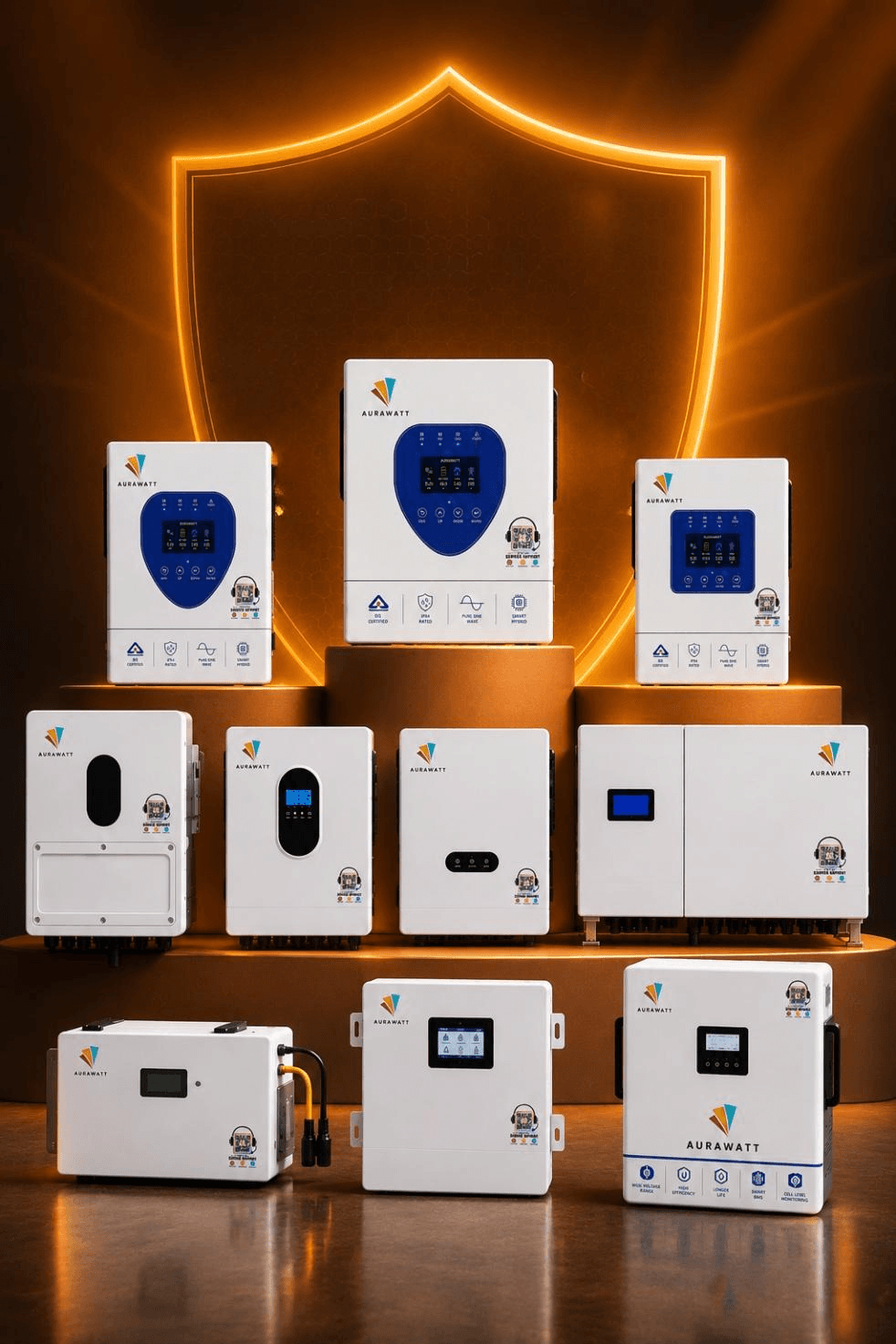
- Easy Registration
- Register your Aurawatt inverter online
- Warranty Activation
- Activate your product warranty with ease
- Reliable Protection
- Added assurance for your power system
- Aurawatt Support
- Assistance when you need it
Registration is what turns a purchase into a warranty.
An unregistered inverter is still a quality Aurawatt inverter. Registration simply helps activate your warranty coverage and keeps your product details securely on record. It only takes a few minutes to complete.
Warranty Coverage
Added assurance for your Aurawatt inverter.
Product on Record
Keep your product details registered with Aurawatt.
Simple & Convenient
A quick registration process for your peace of mind.
Support When Needed
Aurawatt support for your product and warranty needs.
Registration Process
Activate your warranty in three simple steps. Ensure you have your serial number and installation photos ready.
- 01
Verify Serial Number
Enter your Aurawatt hybrid inverter serial number. Our system instantly verifies the model and capacity to begin registration.
- 02
Installation Details
Provide customer information and details about your certified Aurawatt installer. This links the equipment to your property.
- 03
Photo Upload
Upload required photos of the installation, wiring and site parameters. Our engineers review these to ensure compliance and safety.
Already registered? Check your warranty status.
Before you register
The things installers and customers ask us most often.
Where can I find my serial number?
Your inverter’s serial number can be found on the product label. Keep it handy while registering your product.
What information is required for registration?
You may need your product and installation details to complete the warranty registration.
Do I need to upload installation photos?
If installation photos are requested during registration, please keep clear and relevant photos ready.
How do I know if my registration is complete?
Once your registration is submitted, you can check the status through the warranty management system.
What if I enter incorrect information?
If any registration details need to be corrected, contact Aurawatt support for assistance.
How can I check my warranty details?
Use the warranty management system to view your registered product and available warranty information.
Your inverter is installed. Now make it covered.
Have your serial number and installation photos ready — registration takes about five minutes and you get your warranty ID immediately.